WARDOGS Community Servers Guide — Browser, Hosting, and Admin Tools
How to find and join WARDOGS community servers: the split browser, Deploy menu, text search, join-by-ID, hosting partners, and the admin tools Update 0.1.2 added.
FAQ
What are community servers in WARDOGS?
How do you join a community server by ID?
Who can host a WARDOGS community server?
Do community servers pay more cash?
Can you get banned for playing on a community server?
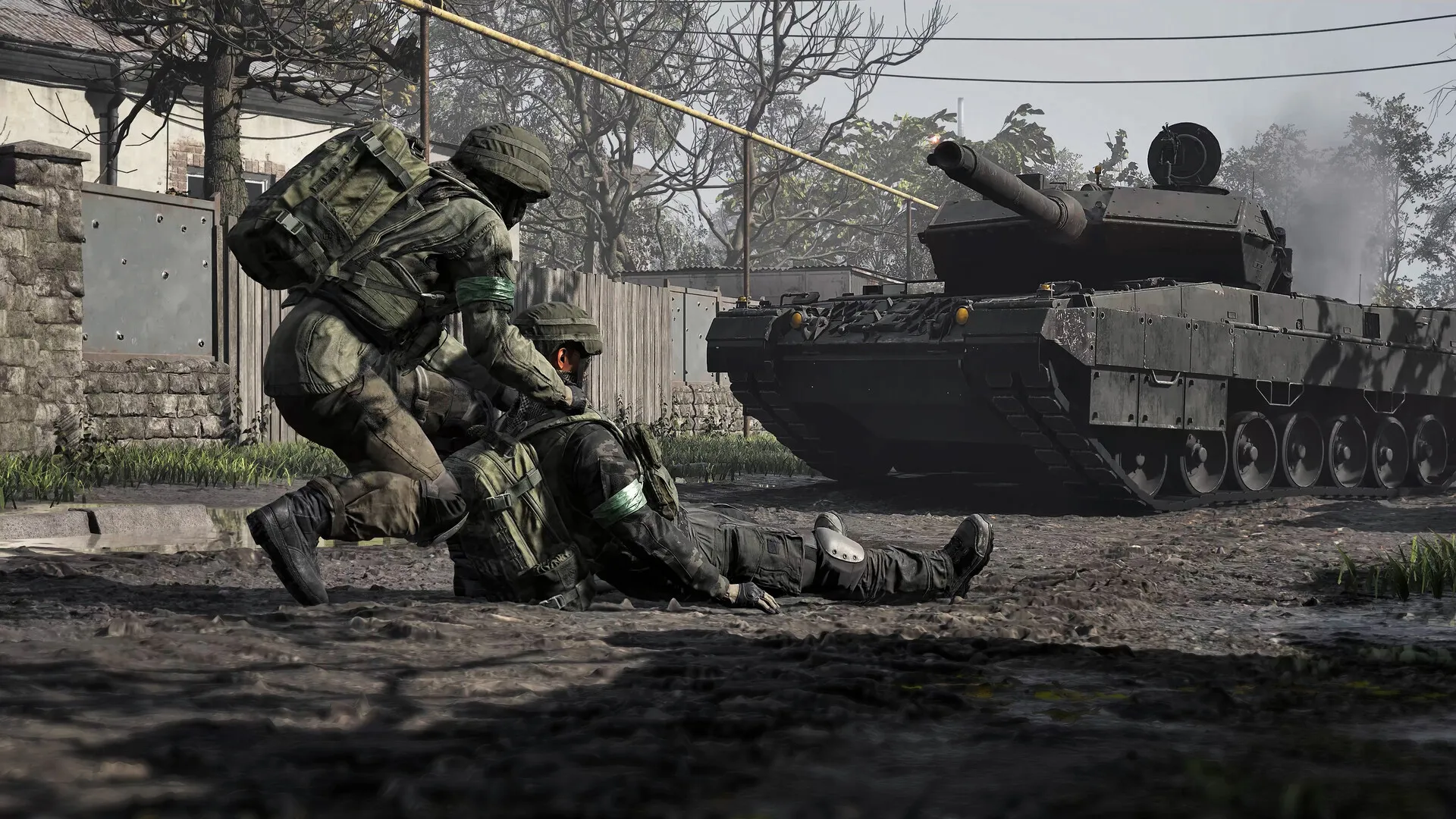
What are community servers in WARDOGS?
Servers run by players and communities rather than the studio’s official infrastructure — rented hardware, live admins, house rules. BULKHEAD’s framing in the Patch 0.11 announcement is unusually warm: community servers are “the lifeblood of FPS games like ours… who keep a game running well beyond its peak player days.” The studio’s 11th-reason post (September 8, 2026) goes further on cheating: report on official servers, “and for the ultimate protection, play on community hosted servers where admins can instantly ban bad actors.”
That is the whole pitch: same game, same maps, human moderation.
How do you find one after Patch 0.11?
The September 14 patch rebuilt the front end around them. The single browser split into two — Community and Official — so community servers no longer compete with official ones for list position. Inside the Community browser:
- Text-based search finds servers by name.
- Filtering is more reliable than at launch.
- A Show Empty/Full toggle on the quick bar hides full or dead servers.
- Server names now sort alphabetically regardless of special characters and numbers, and names can’t stack multiple spaces to game the list — both enforced by Patch 0.11.
The Official browser lost its filters in the same patch — with no official modified game modes, the studio judged them unnecessary — though Update 0.1.2 put Advanced Filters back on the Official list on September 30, 2026.
Since that update, hitting Deploy opens a four-way choice — Official, Community, Infantry Mode, or Low-Level — the studio’s first step toward signposting servers running those modifiers. The same patch shows your queue position after you click Join, stops truncating long server names (hover for the full name), and supports gamepad on the Deploy screen.
How do you join by server ID?
Patch 0.11 made Community Server IDs persist between matches and restarts. Previously they were wiped on map change; now each server carries its own unique ID you can join by directly. The trade-off the studio named: the number is “much longer for security reasons.” Grab it from your host or community, type it in, and you land on that exact server — no more hunting the list after a restart.
Who actually hosts them?
Three partners, named in the September 8 post: QONZER, BisectHosting, and xREALM. Server rentals were open for pre-order ahead of Early Access launch and remain the sanctioned route — the in-game Host button now directs to the correct location (a Patch 0.11 fix). If you are weighing the monthly cost against the cash economy you will be grinding inside it, the money guide has the payout math.
What did Update 0.1.2 give server admins?
September 30’s patch is the first to ship tools for the people running the servers, not just the people joining them:
- Scheduled restarts — set a daily restart time (UTC) so your community can plan around it.
- RCON AllowedHosts — restrict which hosts can reach RCON at all.
- RCON message and broadcast lengths are capped.
- RCON defaults to Standard response detail instead of Full, and config responses no longer expose server internals.
- ServerImageURL is validated when the config loads.
For the joining side of the same update — the Deploy menu and its Infantry Mode / Low-Level signposting — see the browser section above and the Update 0.1.2 patch notes.
Why play on one?
Two reasons, one recent, one permanent:
- The 5% week (ended September 21, 2026). For one week after Patch 0.11 deployed, community servers paid a bonus 5% End of Match cash — an apology for how underserved they were at launch. It has run its course; the payout streams themselves are unchanged, and the Deploy menu now steers players toward Infantry Mode and Low-Level community servers instead.
- Admins. Instant bans for cheaters, versus the report-and-hope loop on official servers — the studio’s own “ultimate protection” advice.
What community servers do not change: the match itself. Scoring, zones, and towers work exactly as documented in the map mechanics guide.
Which servers should you stay away from?
The same policy bans cash-exploit abuse (timed ban plus cash and XP reset to zero) and publishing exploit tutorials (permanent ban). Update 0.1.2 (September 30) hardened all of it: every account caught abusing exploits or real-money trading has had its cash and progression reset, first-offence leniency is over, and repeat abuse now risks a permanent ban without warning. The full breakdown is in the Patch 0.11 patch notes and the Update 0.1.2 patch notes.
What is still coming for community servers?
Announced September 12 but explicitly not in Patch 0.11 — “not yet ready but in the pipeline”:
| Upcoming feature |
|---|
| Community server favouriting |
| Tiered priority queues for Community servers |
| Message of the Day prompt |
| Improved Warmup Activities |
| AFK-kick disabling during server seeding |
| Team Switching Controls |
The studio says none of this displaces Season 2 content — the broader arc is on the Early Access roadmap.
Where are the official details?
The Patch 0.11 announcement (September 12, 2026) for the browser split, IDs, bonus week, and ban policy; the 11th-reason post (September 8, 2026) for the hosting partners and the admin-moderation pitch.
Keep reading
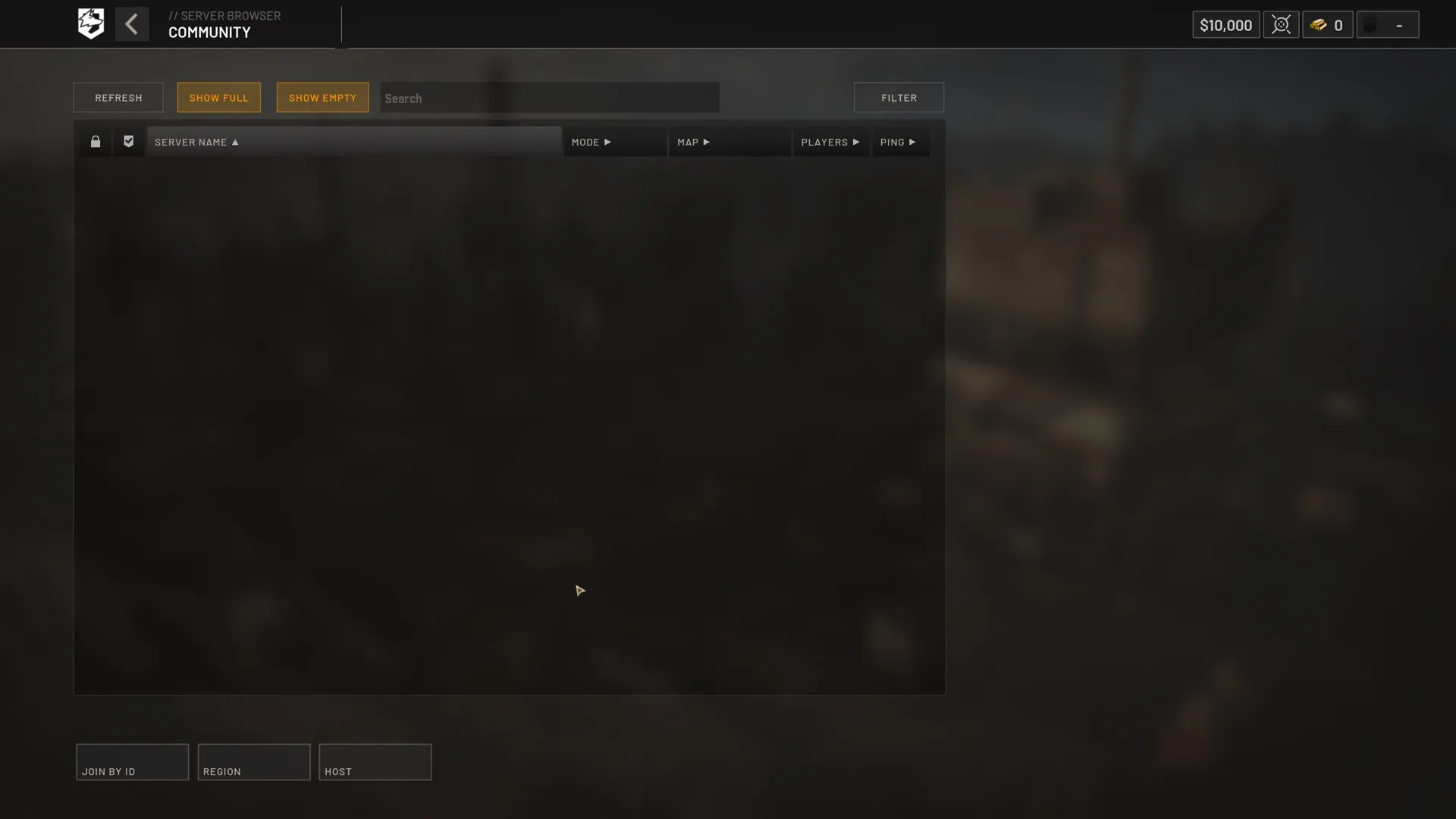
Patch Notes
WARDOGS Patch 0.11 Patch Notes — Server Browser Split & Economy Rules
The patch that rebuilt the server browser around community servers — every change on this page.
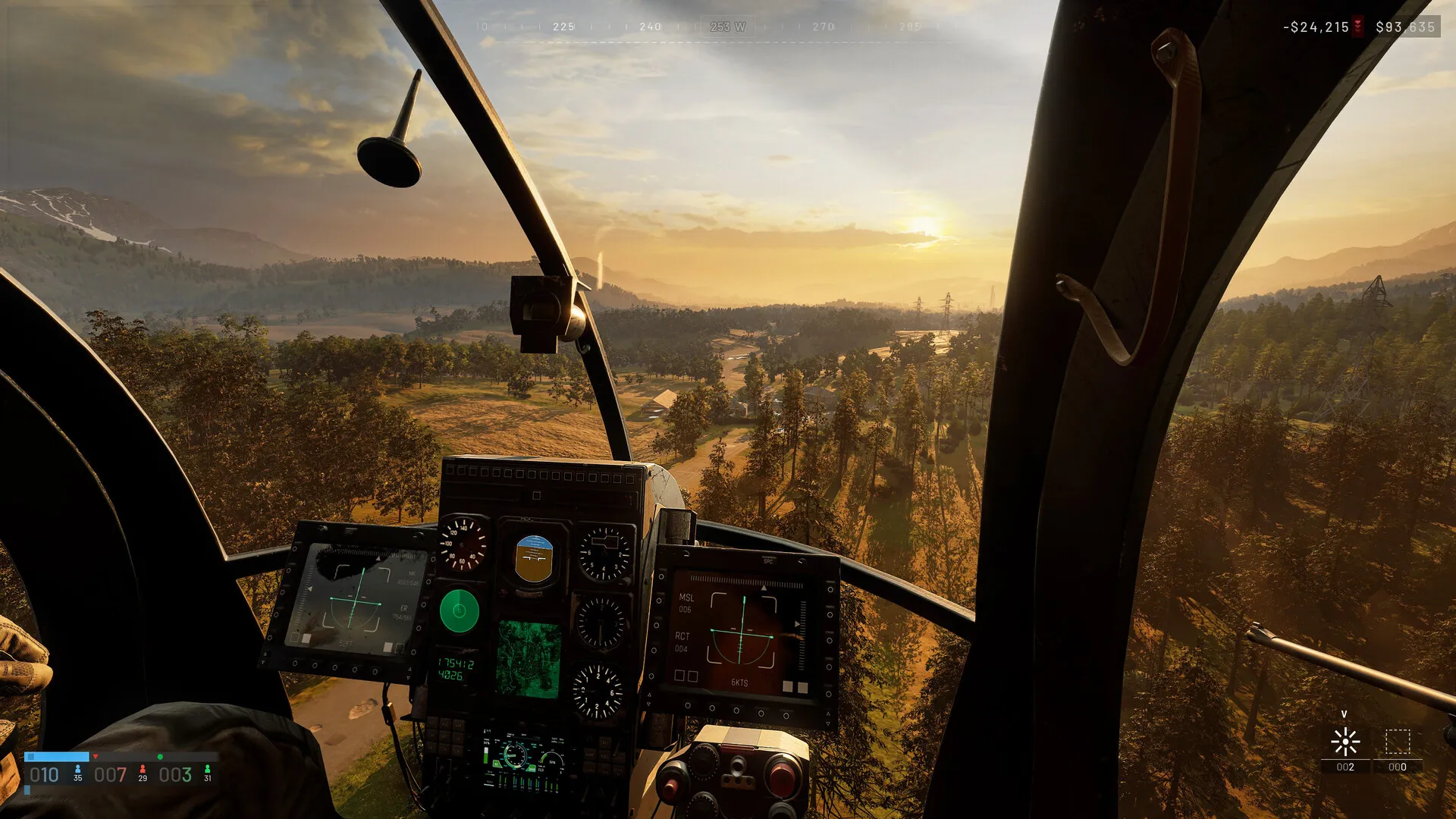
Economy
WARDOGS Money Guide — How the Persistent Cash Economy Works
The payout math the launch-window 5% community bonus stacked on top of.
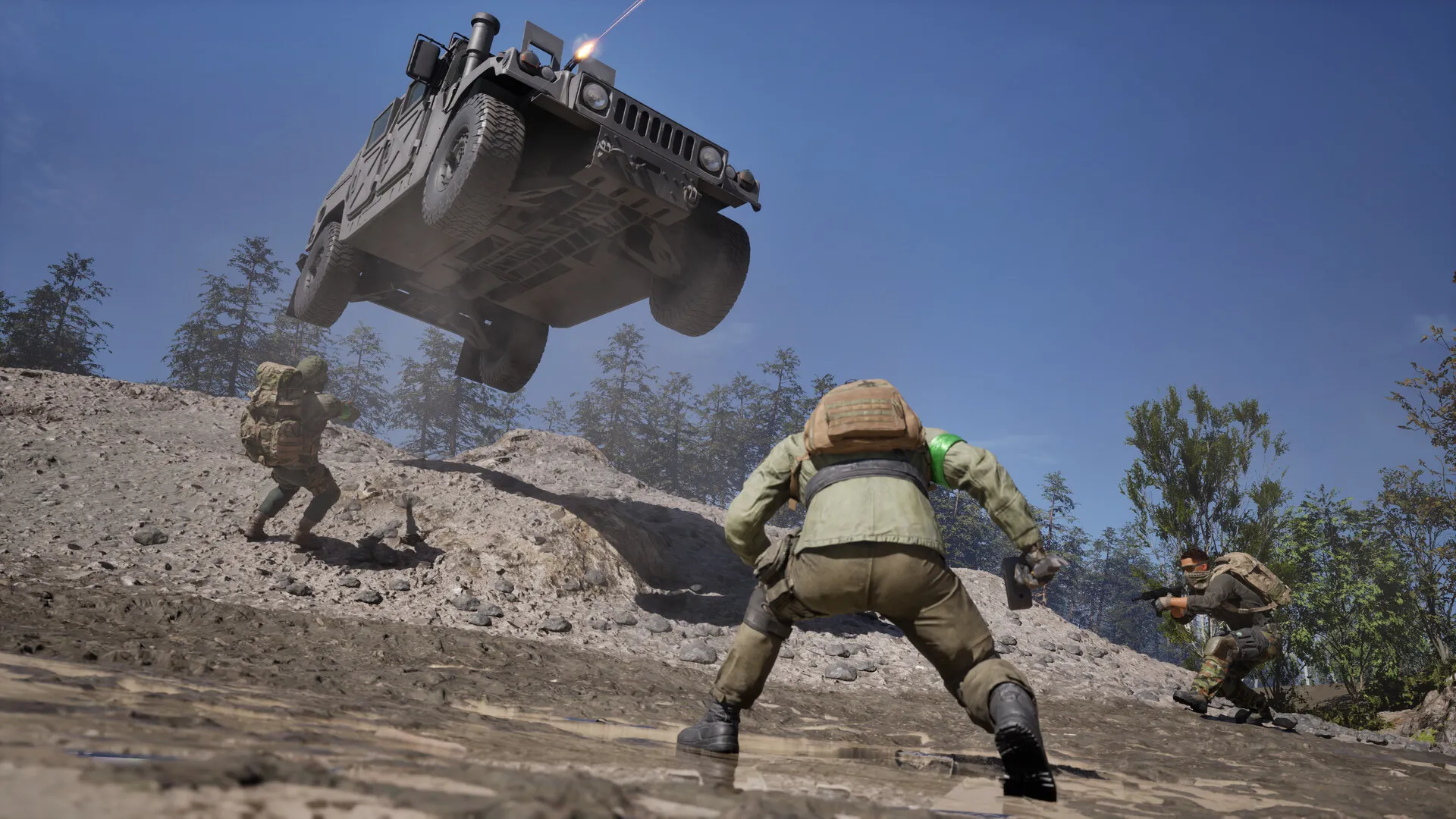
Guides
WARDOGS Early Access Roadmap — Everything Confirmed Coming After Launch
Where community servers sit in the announced Season 2 and beyond arc.
Patch Notes
WARDOGS Season 2 Is Live — Update 0.2.0 and the October 15 Launch
BULKHEAD's launch post confirmed Update 0.2.0 and servers back online at 09:59 UTC on October 15, 2026 — about half an hour past the scheduled maintenance window.
Was this helpful?
Thanks for the feedback!