WARDOGS PC System Requirements and Performance Settings
WARDOGS PC specs confirmed by the developer, plus the custom WAR DYNAMICS engine, ultrawide behaviour, controller support, and what is unannounced.
FAQ
What are WARDOGS' minimum PC specs?
What are WARDOGS' recommended PC specs?
Does WARDOGS support ultrawide monitors?
Does WARDOGS support controllers?
Does WARDOGS support DLSS, FSR, or ray tracing?
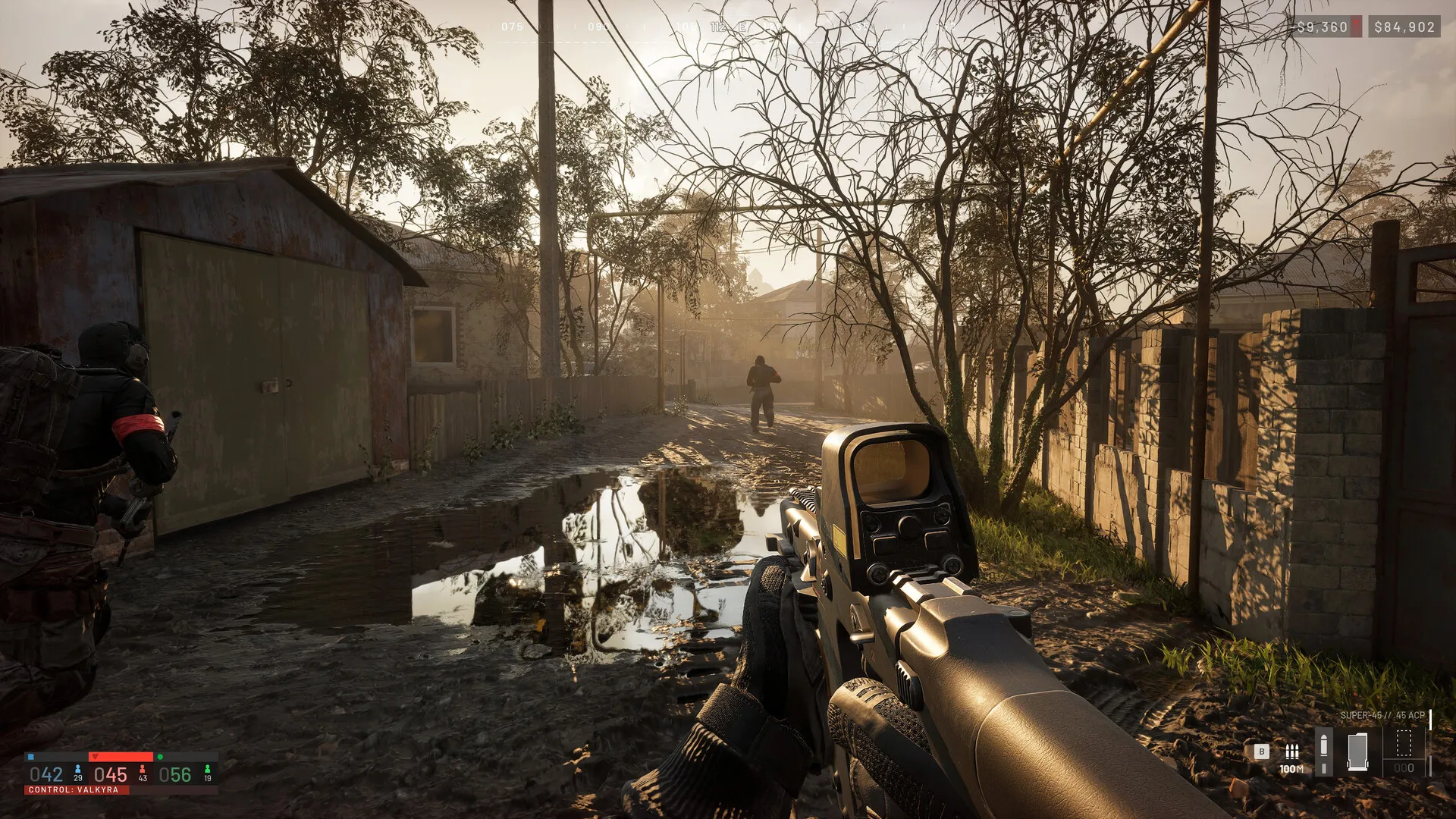
How does WARDOGS fit between other military shooters?
WARDOGS is closer to the Battlefield / Squad family than to extraction shooters or battle royales — 100 players, three factions, large maps, and the control zone loop mean fights feel positional and squad-driven rather than run-and-gun. If you have not yet, the gameplay overview is the cleanest 90-second read of what is actually different.
The persistent cash system is the single biggest mechanical departure from the genre, and it is the thing that turns the specs above into a budget conversation rather than a settings menu. Two practical reads on whether your rig is the bottleneck:
- If you are on the minimum spec, lean into upscaling rather than turning settings down — the money guide assumes a steady stream of matches, and a stable 60 fps buys you more matches per hour than a peak 90 fps with frame drops.
- If you are on the recommended spec, leave everything on medium, push view distance one step up, and treat the recommended tier as the floor — anything higher is surplus for this title.
What engine does WARDOGS run on?
WARDOGS runs on WAR DYNAMICS, a custom engine Bulkhead built on top of Unreal Engine 5. The studio explicitly designed it for 100-player density with attention to input latency and performance — which is why the recommended GPU jumps roughly two tiers above the CPU jump (a 1660 to a 3070, against an i5-8600 to an i7-12700K). For the storage and anti-cheat side of the install, see the release date and price page.
What are the minimum PC requirements?
These are the figures confirmed by Bulkhead on the Steam store page, with 16 GB RAM and 50 GB of storage:
| Minimum | |
|---|---|
| OS | Windows 10 (64-bit) |
| CPU | Intel Core i5-8600 / AMD Ryzen 5 3500 |
| RAM | 16 GB |
| GPU | NVIDIA GTX 1660 / AMD Radeon RX 590 |
| Storage | 50 GB |
| Target | 1080p Low, ~60 fps with upscaling |
A practical reading: the CPU floor and the GPU floor both target 60 fps at 1080p with the lowest preset and some upscaling. If you are running the minimum rig, expect to leave upscaling turned on for the rest of the match’s life. The minimum spec also sits comfortably inside 16 GB of RAM, so the spec sheet does not reward a 32 GB upgrade on this tier.
What are the recommended PC requirements?
| Recommended | |
|---|---|
| OS | Windows 11 |
| CPU | Intel Core i7-12700K / AMD Ryzen 7 5700X |
| RAM | 16 GB |
| GPU | NVIDIA RTX 3070 / AMD Radeon RX 6700 XT |
| Storage | 50 GB |
| Target | 1440p Medium, ~70+ fps native or 4K Medium at 60+ fps upscaled |
The recommended target is a clear step up — 1440p medium at 70 fps native, or 4K medium at 60+ fps with upscaling enabled. Notice that RAM does not increase past 16 GB on the recommended tier either; the GPU is the binding constraint. As a practical planning note: the GPU jump (GTX 1660 → RTX 3070) is two tiers, while the CPU jump (i5-8600 → i7-12700K) is a single tier, so prioritise the graphics card if you are deciding where to spend an upgrade budget.
Will your PC run it?
| Build | Result |
|---|---|
| GTX 1660 / i5-8600 / 16 GB | Meets minimum — 1080p Low with upscaling |
| RTX 3060 / Ryzen 5 5600X / 16 GB | Comfortable minimum — 1080p Medium at 60+ fps |
| RTX 3070 / i7-12700K / 16 GB | Meets recommended — 1440p Medium at 70+ fps native |
| RTX 4070 / Ryzen 7 7700X / 16 GB | High-end — 4K Medium at 60+ fps upscaled |
If you sit between the minimum and recommended spec, the practical threshold is a 6 GB VRAM card from the last four years. Below that you are tuning settings to keep 60 fps; above that you can turn everything on and forget about it. Still deciding whether to buy at all? The ten reasons not to buy count this hardware floor as reason seven.
What settings matter most?
Without published per-setting impact, the conventional order for a 100-player shooter on UE5 with destruction is:
- Resolution and upscaling first. The single biggest frame-time cost. If your GPU is short on VRAM, prefer lower internal resolution with upscaling over reduced textures.
- View distance and foliage second. 256 km² maps with destruction demand aggressive draw distance; turning this down is the second-cheapest frame.
- Shadows and ambient occlusion third. Both are expensive at 100-player density because every character carries a shadow caster.
- Textures, anisotropic filtering, and effects last. These scale mostly with VRAM, not raw frame time, so they tend to be the cheapest knobs to leave on.
If you are not sure where to start, leave everything on medium, drop view distance one step, and check your worst-case frame inside the Control Zone where 100 players converge.
Does WARDOGS support ultrawide monitors?
Yes, but the HUD has known issues. Community testing during the closed beta found that ultrawide behaviour is split: helicopters handle the wider aspect ratio cleanly, while ground combat surfaces HUD scaling problems that the studio has not patched. If you are buying a new display for WARDOGS, treat ultrawide as “supported, with caveats” rather than “supported and polished.”
Does WARDOGS support controllers?
Yes — gamepads work. Two practical caveats:
- No controller rebinding. Bulkhead has not allowed controller button rebinding, which makes the choice of gamepad more important than usual. The deciding factor between two pads at the same price is which one’s default layout matches what you want.
- Flight sticks auto-switch. A joystick plugged in takes over automatically the moment you enter a helicopter cockpit, so you do not have to remap on the fly — but the auto-switch happens every single session, which is something to know if you intend to mix stick and pad.
The full keyboard reference — every default binding by category, plus how rebinding works — is on the controls and keybinds page.
What about DLSS, FSR, and ray tracing?
DLSS is now officially in the game: the Season 1 launch changelog (September 9) names DLSS Frame Generation directly — it can now be turned off without restarting the game, the render-target pool is configurable, and two frame-generation crash paths were fixed in the same build. That also retroactively explains the recommended spec’s “upscaled” footnote. What remains unannounced: FSR, XeSS, and ray tracing — none have appeared in an official document, and the recommended spec targets rasterised 1440p. The changelog’s other graphics work (fewer shadow-cache refreshes, shadow quality clamping to Low instead of switching off, more detailed GPU crash reports) is summarised in the Season 1 patch notes.
What about anti-cheat and storage?
Two non-graphical facts worth knowing before launch:
- Easy Anti-Cheat runs at kernel level. This is the same anti-cheat stack used by major competitive shooters, and it explains why there is no Linux or Proton story at launch.
- 50 GB of storage is the current figure. Older aggregator listings showing 30–40 GB are out of date — Steam now lists 50 GB, and that is the figure to clear space for.
Keep reading
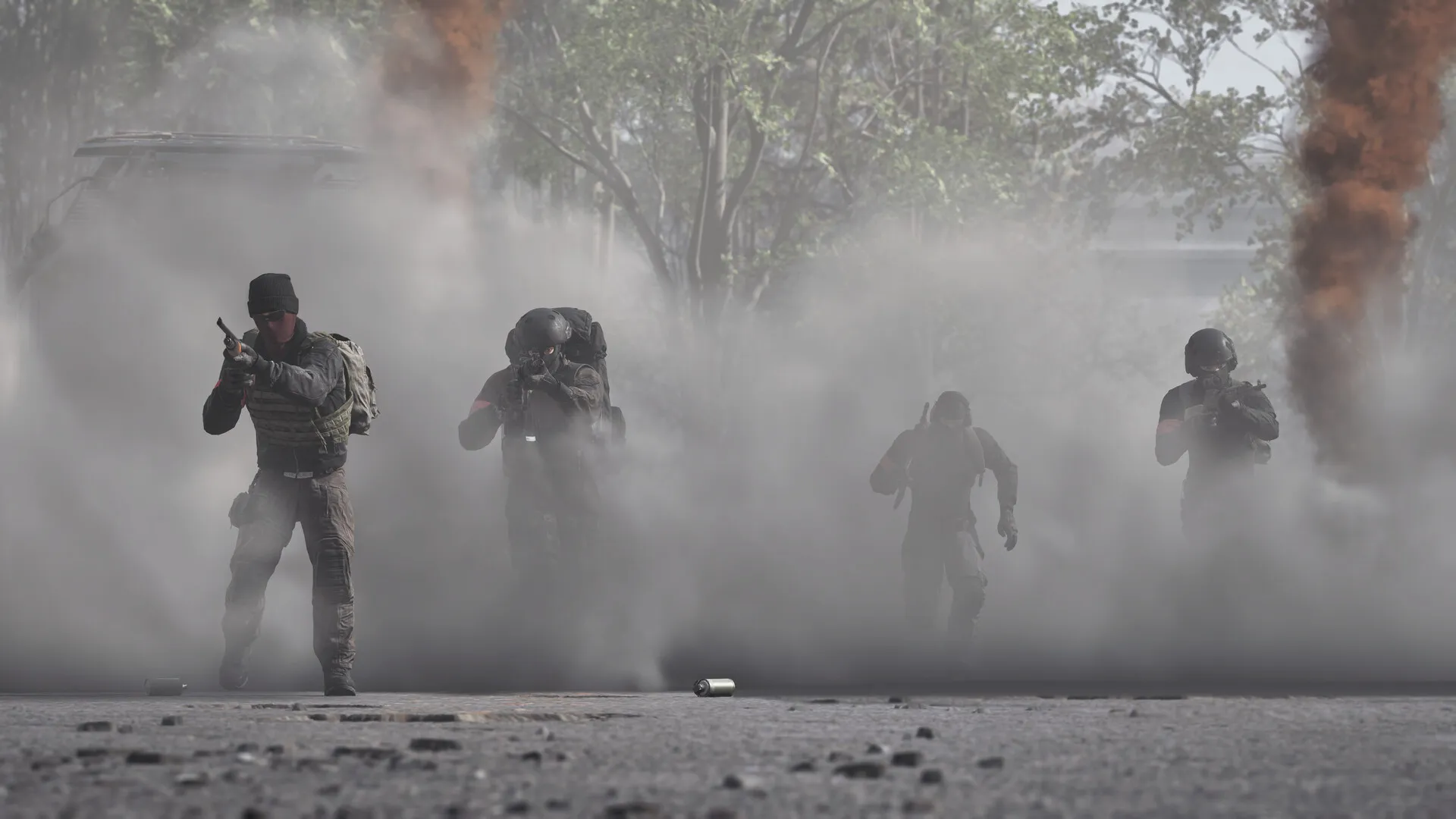
Guides
WARDOGS Release Date, Price, and Editions — Early Access Guide
Specs pass? Prices, unlock times, and editions.
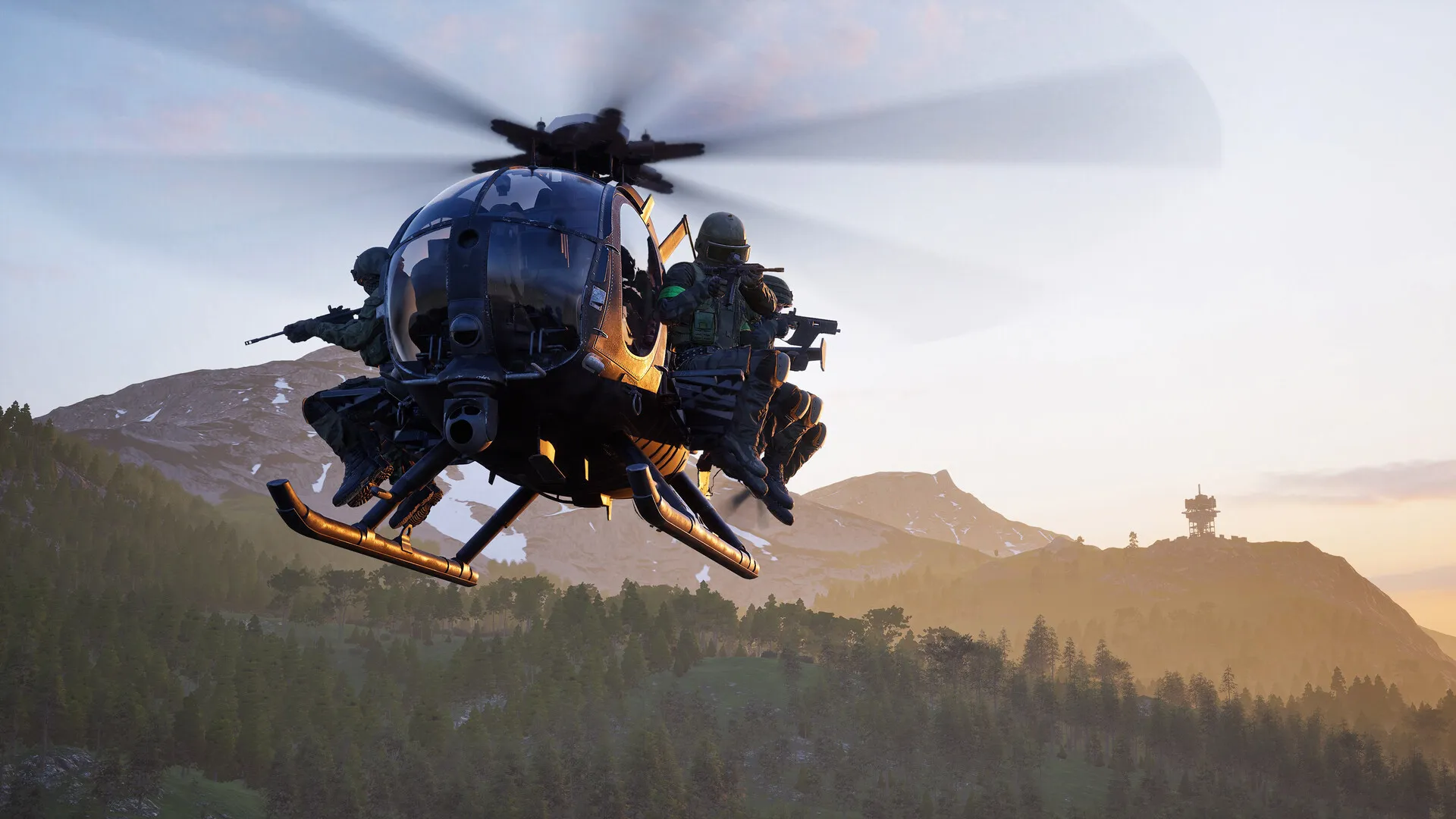
Guides
What Is WARDOGS? Gameplay, Factions, and Core Mechanics Explained
What that hardware will be rendering — the game in 90 seconds.
Guides
Ten Reasons Not to Buy WARDOGS — An Honest Pre-Purchase Guide
This hardware floor is reason seven of ten — the honest list.
Guides
WARDOGS Playstyles: Can You Play Without Fighting? Pacifist Money Routes
Yes — WARDOGS pays cash for revives, deliveries and captures; RPS's pacifist rideshare run out-earned a combat player. Here are the non-combat routes.
Was this helpful?
Thanks for the feedback!