WARDOGS Helicopter Guide — How to Fly, Which to Learn In, and Assists
How to fly WARDOGS helicopters: the four control axes, the community-recommended mouse setup, sensitivity and invert-Y settings, flight assists, and the known bugs.
FAQ
How do you fly a helicopter in WARDOGS?
What sensitivity should helicopter pilots use?
Which helicopter should you learn in?
Why does my helicopter roll the wrong way?
Do flight assists make you a worse pilot?
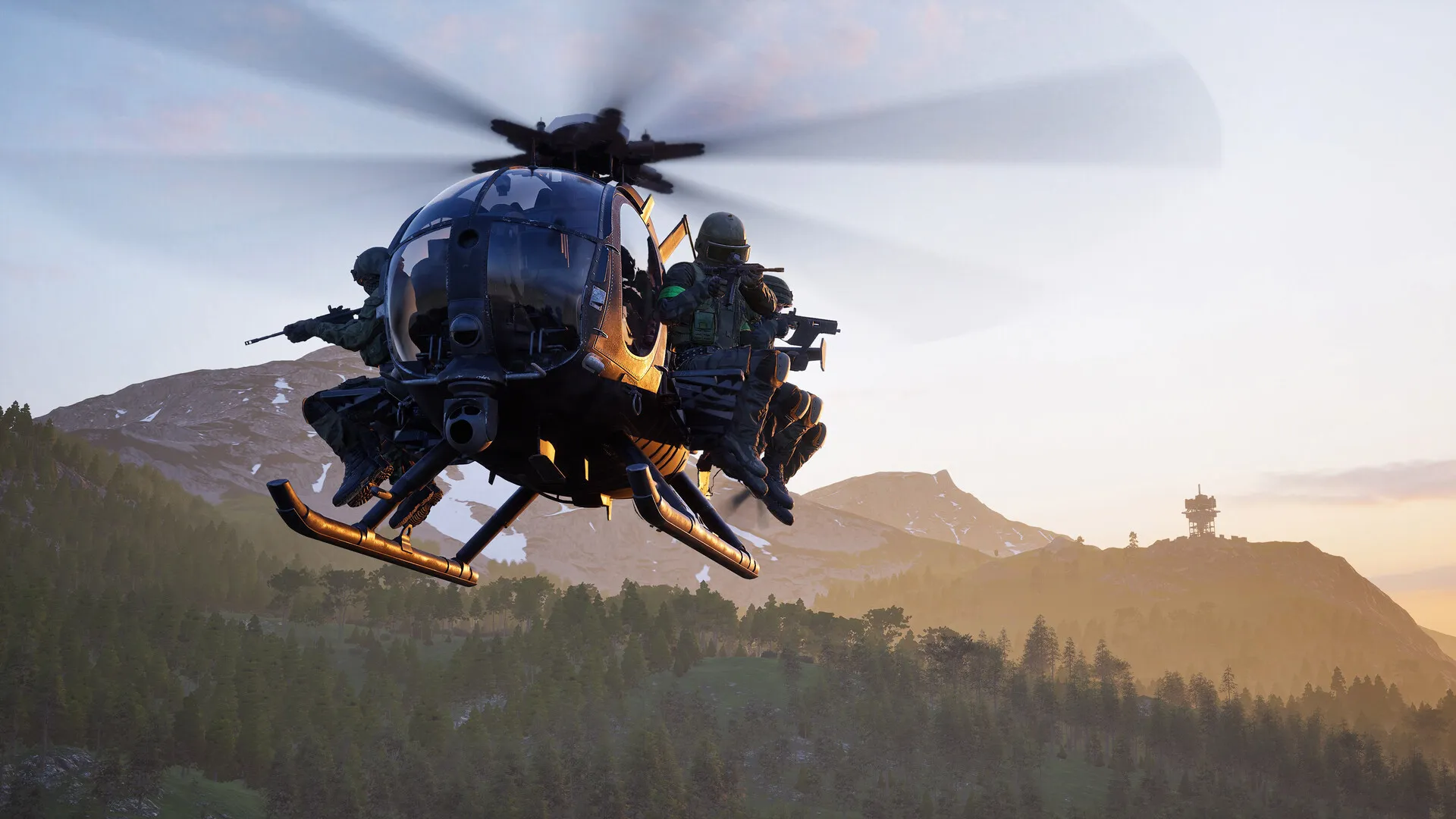
How do you fly a helicopter in WARDOGS?
Four axes, and none of them are where an infantry muscle expects them. On the default bindings: Left Shift / Ctrl raise and lower the collective (your lift), W / S pitch the nose, A / D roll, Q / E yaw. Your sprint and prone fingers are now the throttle — which is exactly why nearly every community tutorial starts by remapping.
The setup the community has converged on — the “Battlefield-style” configuration from the Steam keybind FAQ:
- Settings > Controls > Settings: enable Rotary Vehicle Mouse Control.
- Set mouse swipe left/right to Roll, up/down to Pitch.
- Enable Invert Y Axis – Air Vehicle (pull back = nose up), keeping infantry inversion off.
- Keybindings > Rotary Vehicle: rebind W to Collective Raise, S to Collective Lower, A to Yaw Left, D to Yaw Right.
- Delete the keyboard cyclic bindings — the mouse owns pitch and roll now. Optional arrow-key backups: Up/Down for nose, Left/Right for roll.
Mouse for the fine axes, keys for the big ones — the same layout Battlefield pilots have used for a decade.
What do the four controls actually do?
The FAQ’s definitions, verbatim:
- Collective: “Raises or lowers the helicopter.” Your altitude throttle.
- Cyclic X: “Pitches the nose up or down.” Forward speed lives here — nose down to accelerate.
- Cyclic Y: “Rolls the helicopter left or right.” Banking into turns.
- Yaw: “Rotates the helicopter left or right without banking.” Pointing the nose — what door gunners care about most.
The mental model that transfers: collective is throttle, cyclic is steering wheel, yaw is your hips. A stable hover is all four balanced at once — which is what the Firing Range is for.
What settings matter before the first lift-off?
Three, per the community FAQ:
- Sensitivity. “A reasonable starting point is approximately 60–65% for helicopter pitch and roll sensitivity” — then tune against the Firing Range targets, not a live squad full of passengers.
- Inversion. Natural pitch (pull back = climb) needs Invert Y Axis – Air Vehicle on — and infantry inversion off, or the roll-inversion bug bites (below).
- Free look. Left Alt holds a temporary look, double-tap toggles it. Mouse pilots should leave Freelook on by Default disabled — free look steals your pitch and roll inputs mid-flight.
What do the flight assists do?
Flight Assists is a master switch over four sub-settings — the two the FAQ names for beginners are Stability Assist and Auto-Hover Assist. The guidance splits by job: beginners and logistics pilots (Littlebird taxi duty, supply runs) enable everything and let the airframe help; when you start fighting the assist — “if the helicopter feels like it’s fighting your turns” — the FAQ’s advice is to disable Auto-Hover Assist first and keep the rest. Assists are a ladder, not a crutch: climb down one rung at a time.
Which helicopter should you learn in?
The roster’s own answer is the MH-6 Littlebird: pay-and-go with no unlock gate, cheap enough to lose while learning, and deliberately the reference helicopter of the game — it is the one that ships with the Supporter Edition. Grind the Pilot track in it until the hover is boring, then step up: the minigun variants (AH-6M, armed Lakota) for door-gun work, the rocket AH-6R for gunship duty, and the Havoc — Pilot 35 and a $500,000 unlock — only when crashing stops being a monthly event. And once you can hold a hover: mortar crews will love you, because pilot-delivered ammo drops are the fast resupply loop.
What bugs should pilots know about?
Where do these facts come from?
Gallery
Keep reading
Vehicles
WARDOGS Vehicles Guide — Helicopters, Tanks, and Transports
The full rotary roster with prices, Pilot-track gates, and unlock costs.
Guides
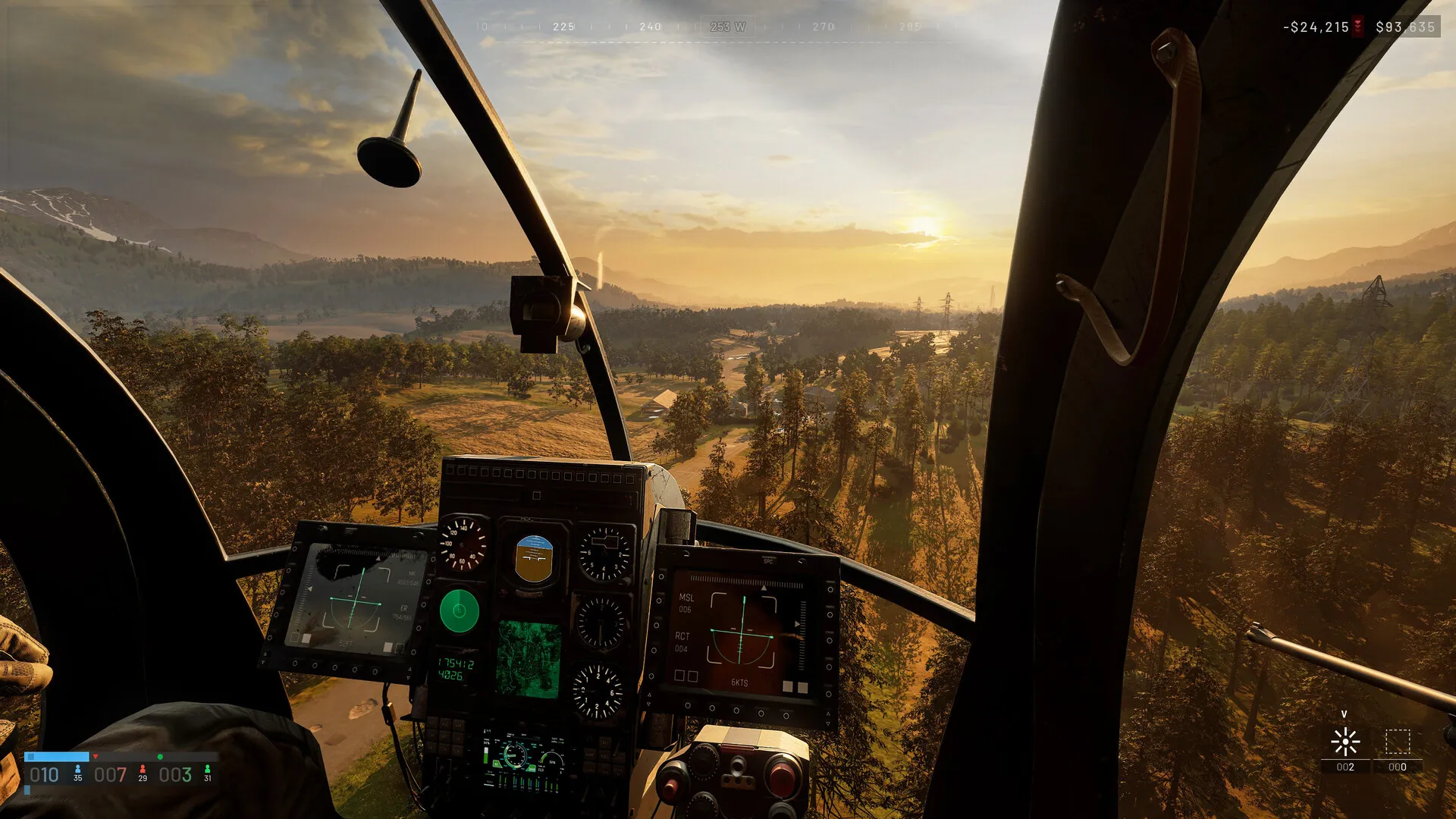
WARDOGS Controls and Keybinds — Default PC Bindings and Rebinding Guide
Every default binding by category — infantry through rotary.
Guides
WARDOGS XP Tracks and Unlocks — How Progression Actually Works
The Pilot track that gates the deadlier airframes.
Guides
WARDOGS Mortar Guide — How to Build and Fire the Support Mortar
Why pilots and mortar crews want each other on the team — ammo drops.
Was this helpful?
Thanks for the feedback!