WARDOGS Controls and Keybinds — Default PC Bindings and Rebinding Guide
Every default WARDOGS PC keybind by category — infantry, comms, vehicles, helicopters — plus how rebinding works and the input quirks worth knowing before match one.
FAQ
What are WARDOGS' default movement keys?
How do you rebind keys in WARDOGS?
What is the reload key in WARDOGS?
Do controllers work in WARDOGS?
Why did my voice chat stop working mid-match?
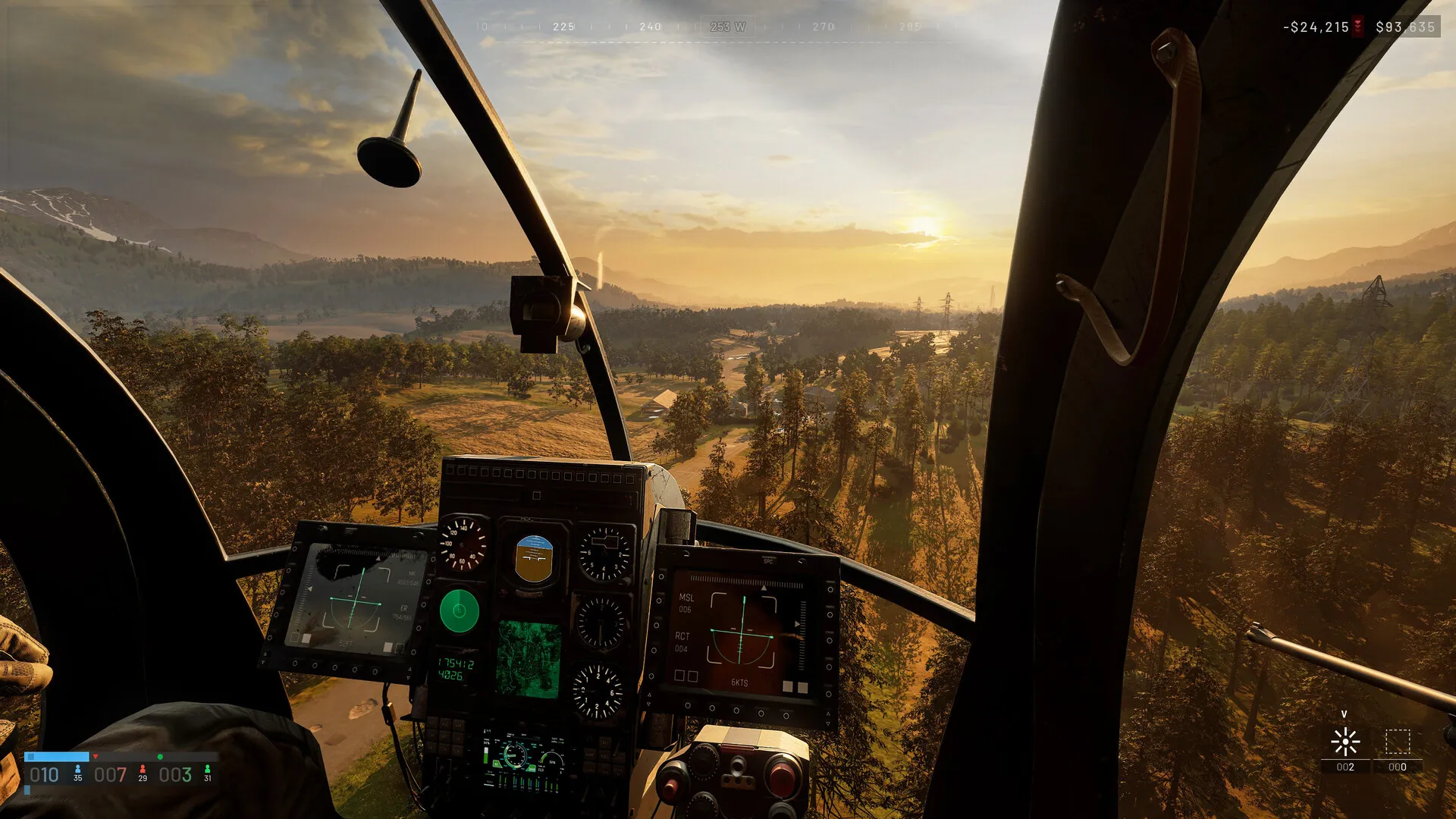
What are the default infantry controls?
The movement layer is standard tactical-FPS — the departures are where matches are won:
| Action | Default key |
|---|---|
| Move / strafe | W / A / S / D |
| Sprint (double-press = tactical sprint) | Left Shift |
| Slow walk | Alt |
| Jump / deploy parachute | Space |
| Crouch / cut parachute | C |
| Prone | Ctrl |
| Lean left / right | Q / E |
| Action | Default key |
|---|---|
| Fire / primary use | Left mouse |
| Aim / secondary use | Right mouse |
| Focus / hold breath | Left Shift |
| Reload | R * |
| Melee bash | V |
| Cycle fire mode | B |
| Cycle sights | Z |
| Mount bipod | G |
| Zeroing up / down | Page Up / Page Down |
| Quick slots | 1–9 |
| Equipment wheel | 4 |
| Next / previous slot | Scroll down / up |
| Holster | X |
| Interact / give up | F |
| Inspect weapon | I |
The one row worth a footnote (*): the two published community tables disagree on reload — the keybind reference lists R, Shacknews’ table lists Right Click. Everything else on this page is agreed by both. Verify against your own build; more on why below.
Which keys do people miss entirely?
The communication layer, because two of its channels are invisible until you use them:
| Action | Default key |
|---|---|
| Push-to-talk, squad | J |
| Push-to-talk, proximity | K |
| Voice toggle (scoreboard) | U |
| Ping / ping wheel (hold) | Middle mouse |
| Chat | Enter |
| Tip / bribe / reject | F1 / F2 |
J and K are different channels — squad-only versus everyone nearby. New players regularly talk on J and wonder why nobody fifteen metres away answers. And per the community reference, the scoreboard-U-double-press is the known reset when voice dies mid-match.
Building sits on keys you already own: V dismantles, R rotates, B toggles snapping — which is how V ends up wearing four hats (melee, dismantle, vault toggle, countermeasures). Nothing conflicts until you rebind carelessly.
What are the vehicle bindings?
Ground vehicles keep your hands home — W/S throttle and brake, A/D steer, Space handbrake, F enter and exit, 0 / 9 cycle seats, L lock, B buy ammo and supplies, G deploy a supply crate, V countermeasures. Vehicle weapons fire on the left mouse with Z cycling weapons and W/S/A/D aiming the turret; the camera layer lives on Alt (free look), C (camera mode), and the arrow keys for side and rear views.
What are the helicopter bindings?
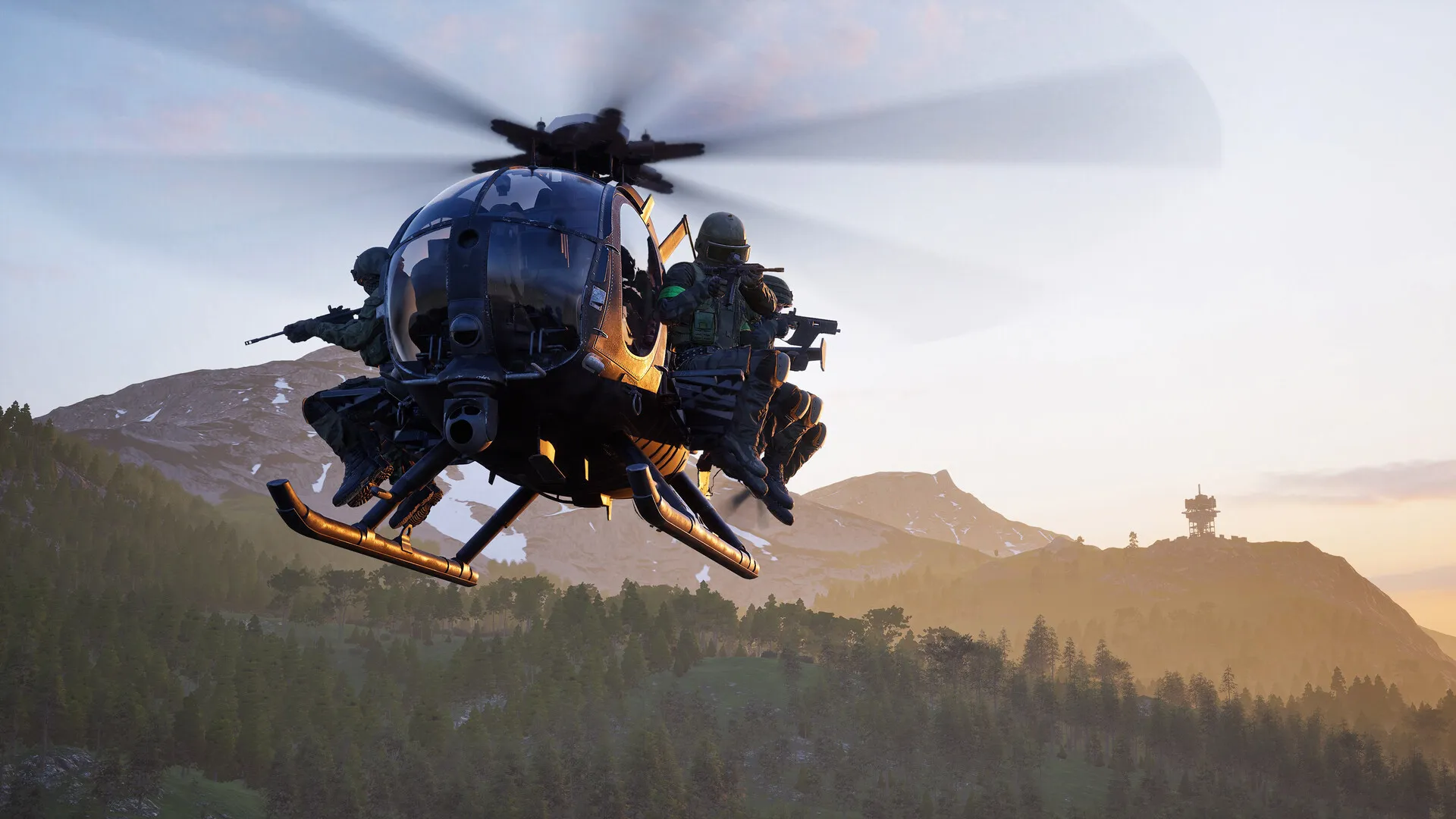
The rotary layer borrows from real aviation rather than arcade flyers — the reason a dedicated helicopter guide exists:
| Action | Default key |
|---|---|
| Collective raise / lower | Left Shift / Ctrl |
| Cyclic pitch (nose down / up) | W / S |
| Cyclic roll (left / right) | A / D |
| Yaw left / right | Q / E |
| Free look | Alt |
| Countermeasures | V |
The trap is muscle memory: collective sits on the same Shift/Ctrl fingers you sprint and prone with on foot. Community advice is uniform — practice before you transport a squad.
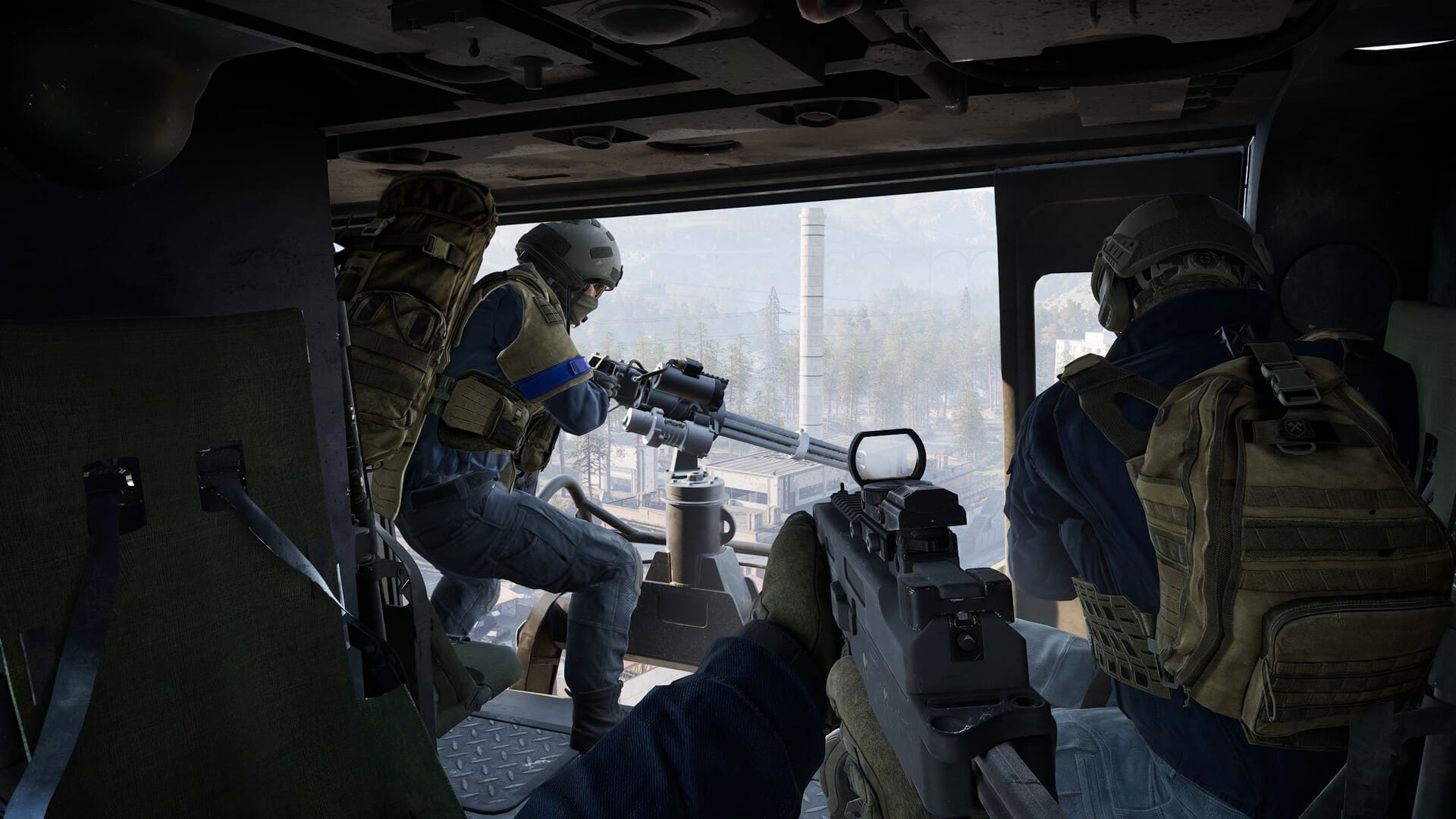
How does rebinding work — and what breaks it?
The rebind menu itself is Settings > Controls, split by category (infantry, interaction, quick slots, construction, seats, flight, map, communication). Manual editors: the config lives at %LOCALAPPDATA%\Wardogs\Saved\Config\WindowsClient — back up GameUserSettings.ini before touching it. One more reason to re-verify after every patch: default bindings have changed between beta builds, per the keybind reference’s own note.
Do controllers and aim assist work?
Partially, by design. Xbox and PlayStation profiles exist for infantry, ground vehicles, and helicopters, and the game swaps profiles automatically on entry. But BULKHEAD’s own statements frame the hierarchy plainly: keyboard and mouse “will always be the optimal way to experience WARDOGS on PC,” controller aim assist exists “only to a small degree” — and playing without it is, in their words, “comically bad.” Controller players also report that some rebind changes do not apply correctly yet; treat gamepad as supported-but-second-class until that hardens.
Where do these bindings come from?
Keep reading
Guides
WARDOGS Beginner's Guide — Surviving Your First Matches
What to actually do with these keys in your first hours.
Guides
WARDOGS PC System Requirements and Performance Settings
The settings siblings — graphics, sensitivity, and performance.
Vehicles
WARDOGS Helicopter Guide — How to Fly, Which to Learn In, and Assists
The rotary bindings in action — how to fly the thing these keys control.
Guides
What Is WARDOGS? Gameplay, Factions, and Core Mechanics Explained
The game these inputs add up to — modes, factions, and the zone.
Was this helpful?
Thanks for the feedback!